Umlauts are not displayed in German Thunderbird

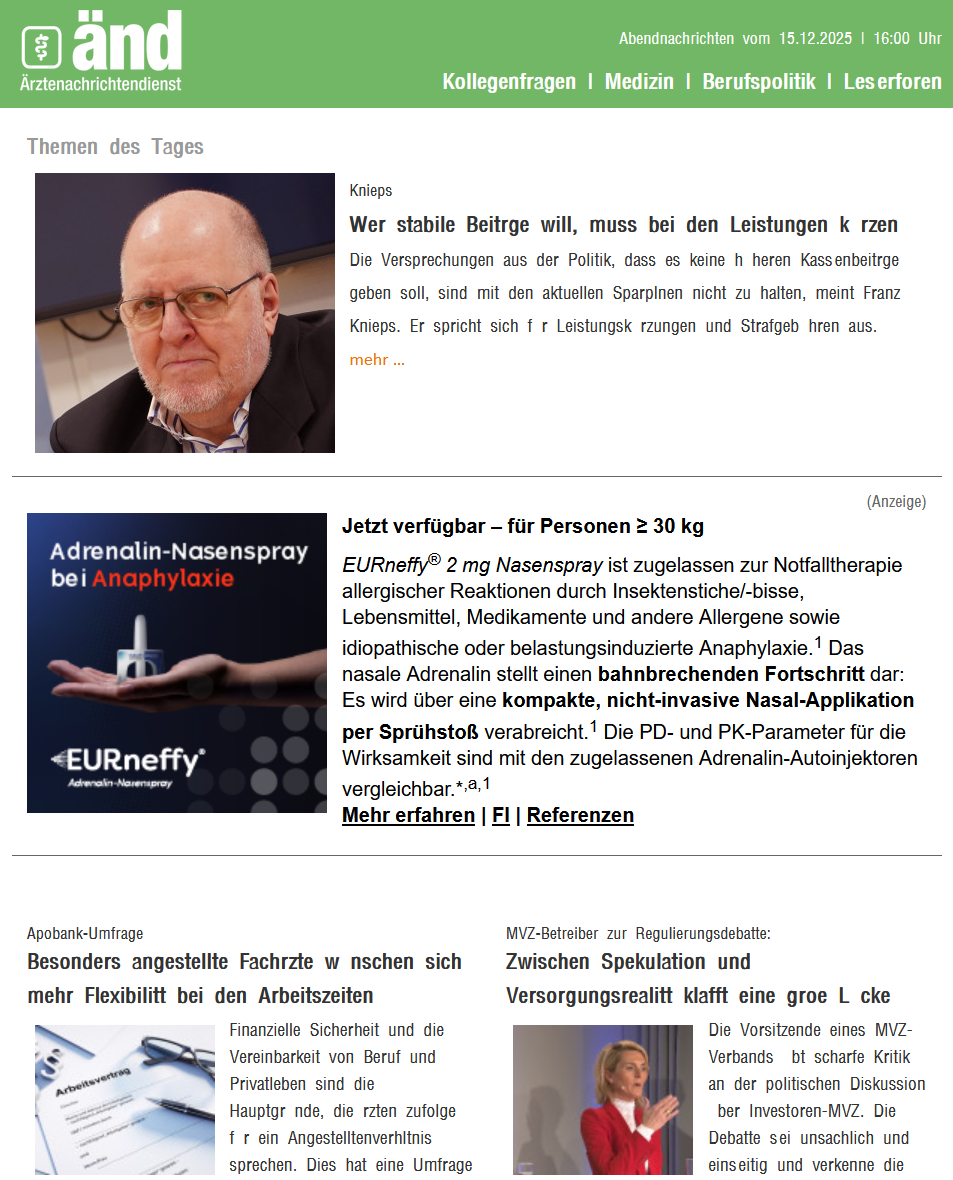
As you can see in the screenshot, the umlauts are missing in many emails. Unfortunately, the corresponding fonts can no longer be set in Thunderbird; I use version 140.6.0esr (32-bit). Where can I set that ä, ö, ü, ß (...) are displayed normally? Greetings from Berlin, Markus
所有回复 (3)

> Unfortunately, the corresponding fonts can no longer be set in Thunderbird
Why not? Is this something that was working before and stopped working with a recent update?
The problem has existed for a long time, I would like to finally solve it. Switching to UTF-8 should solve the problem, but this is apparently not possible in the current version of Thunderbird.

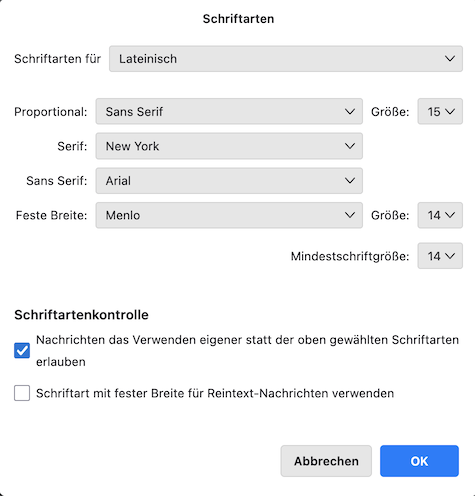
Which are your choices in Einstellungen > Allgemein > Schriftarten > Erweitert ? As well as for Lateinisch as for Andere Schriftarten ? Which setting for Schriftartenkontrolle ?