


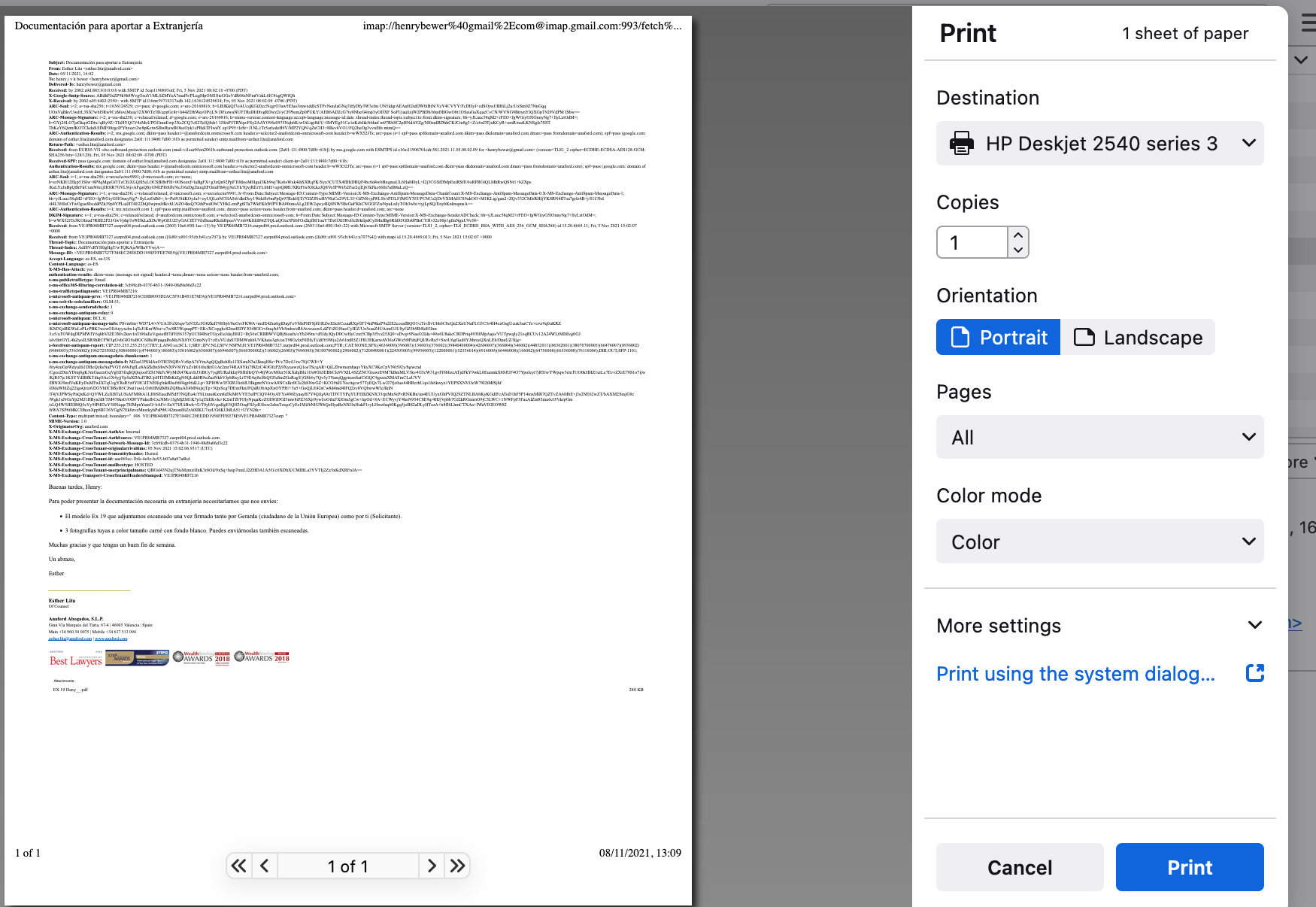
incoming personal messages preceded by immensely long internet routing info

how to avoid including meta-routing info when printing personal incoming messages?
how to avoid including meta-routing info when printing personal incoming messages?
選ばれた解決策
Looks like you have the setting to show all headers.
Menu app icon > View > Headers > select 'Normal' This should now only show the most relevant headers like From, To, Subject, Date
この回答をすべて読む 👍 0すべての返信 (1)
選ばれた解決策
Looks like you have the setting to show all headers.
Menu app icon > View > Headers > select 'Normal' This should now only show the most relevant headers like From, To, Subject, Date