Profiles

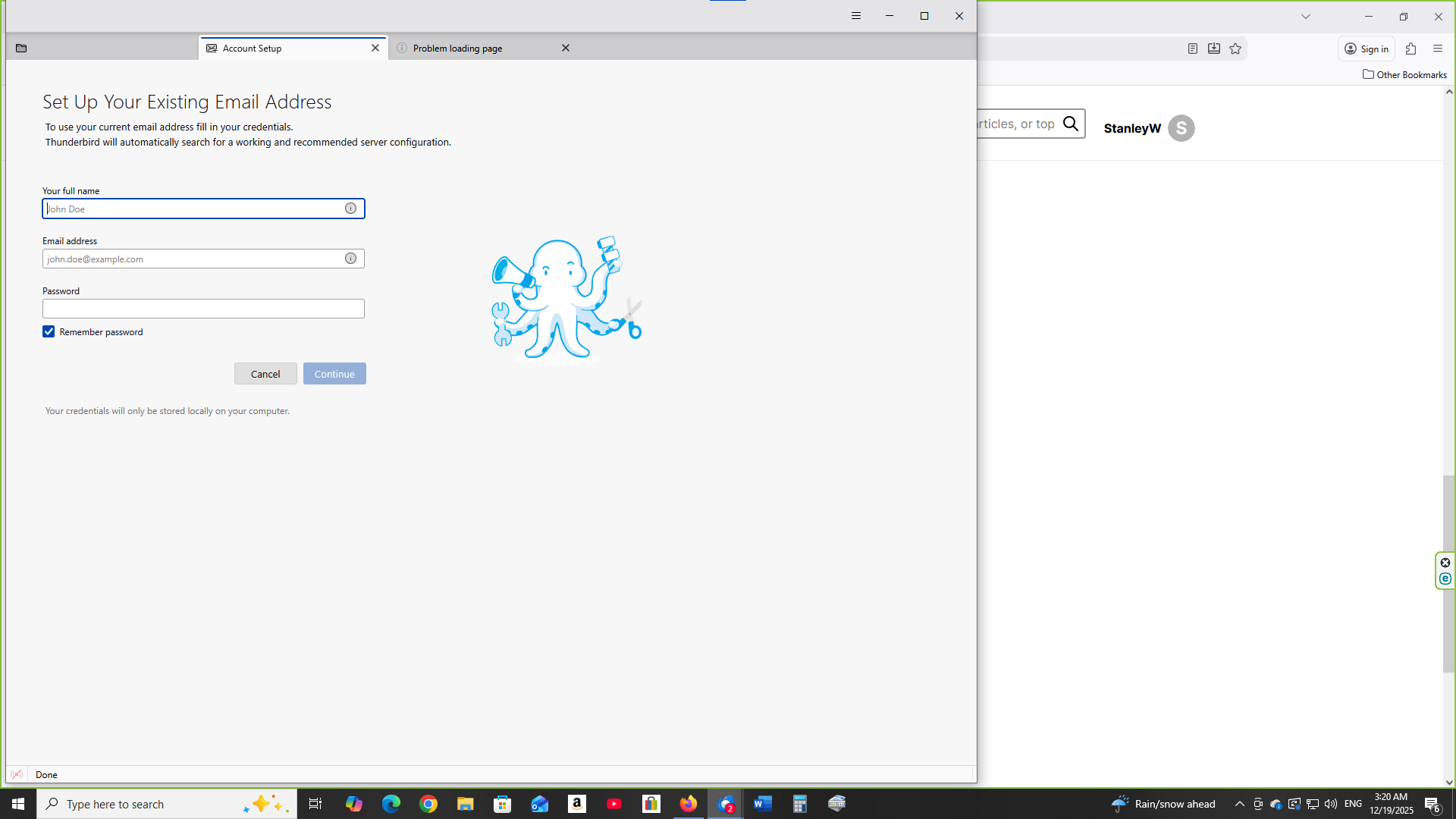
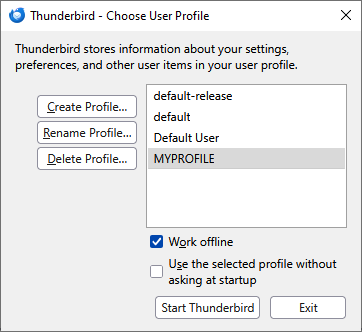
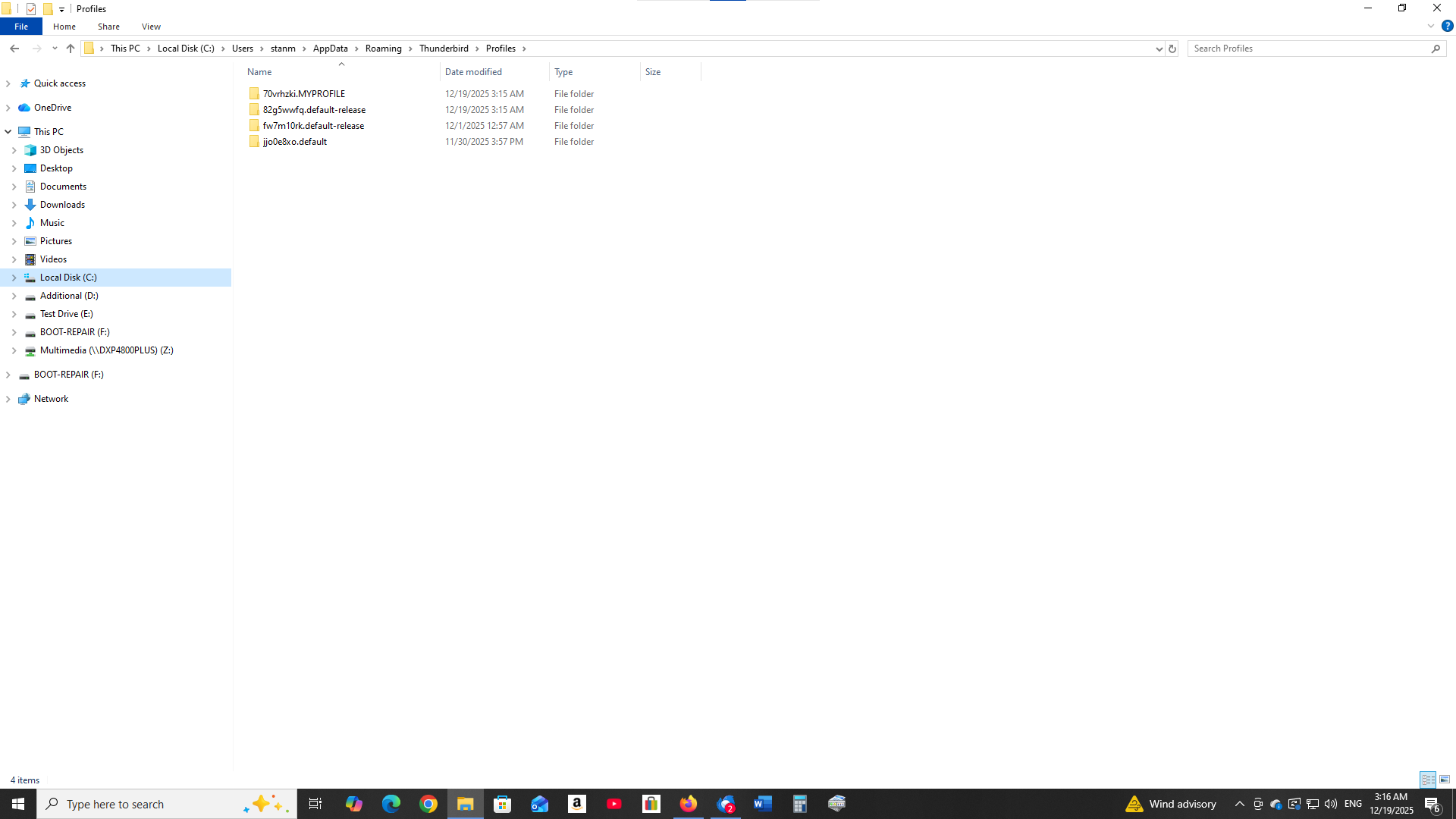
Hi I had a systems crash and did a windows 10 reinstall. Windows created a folder windows.old. In the folder is users/"username"/appdata/local and roaming/thunderbird/profiles/ In the profiles folder for example I have a profile 34eu8280.2020. I transfered this folder to the newly installed thunderbird folder under roaming/thunderbird/profiles/ Next windows+r entered thunderbird-p. Create profile, entered 2020 as profile name, chose folder, entered 34u8280.2020, select folder, finish. In profile manager selected 2020, work offline, unchecked use selected profile without asking at startup, start thunderbird. Profile not showing up only account setup page.
At a lost as to how to proceed.
Any help would be appreciated in restoring profiles
Stan
Όλες οι απαντήσεις (2)
First, the name isn't important, so long as Thunderbird can find it. Try this:
- click help>troubleshootinginformaation
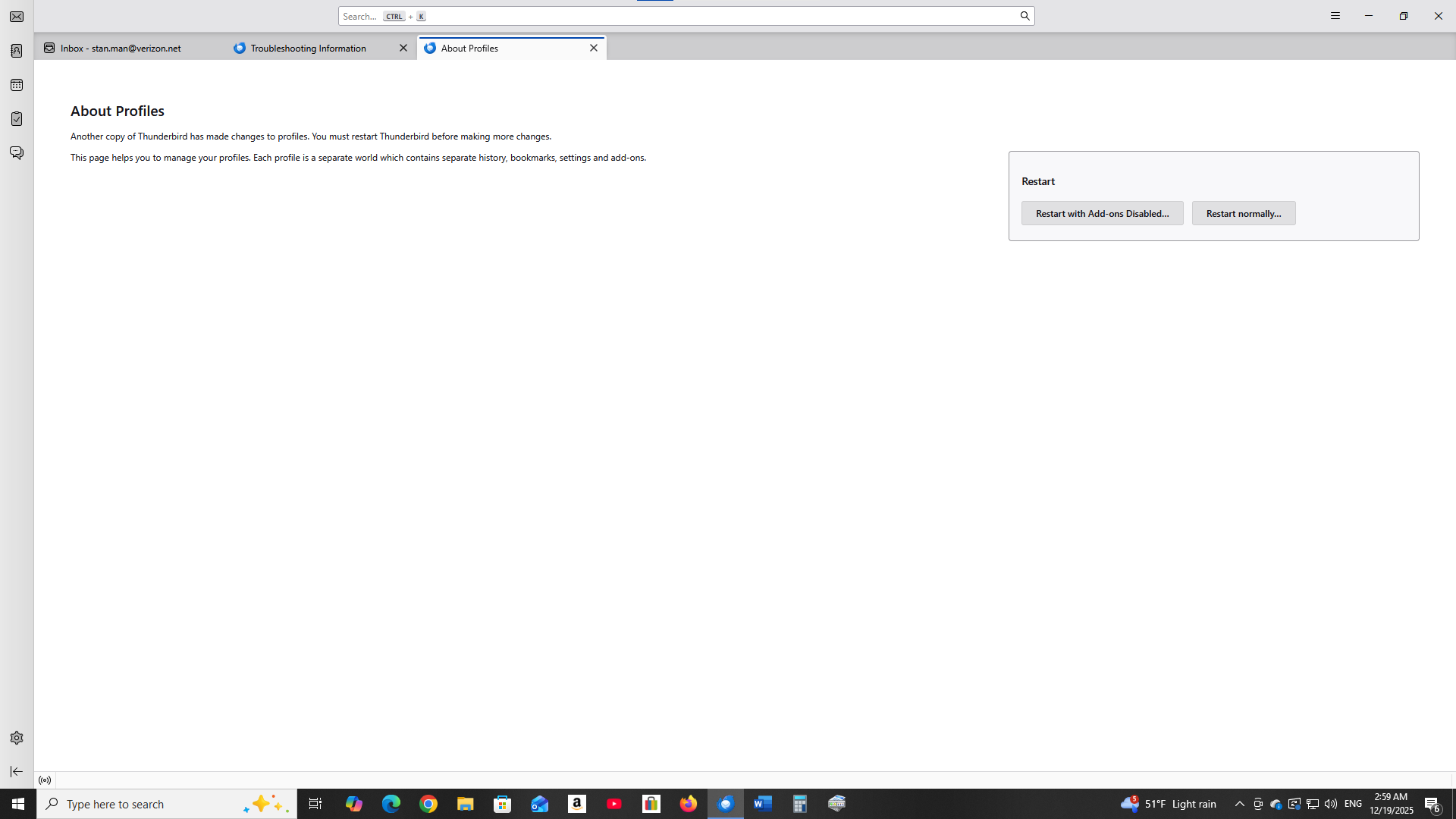
- scroll down to 'profiles and click 'about:profiles'
- click the 'create profile' button in upper left
- click next
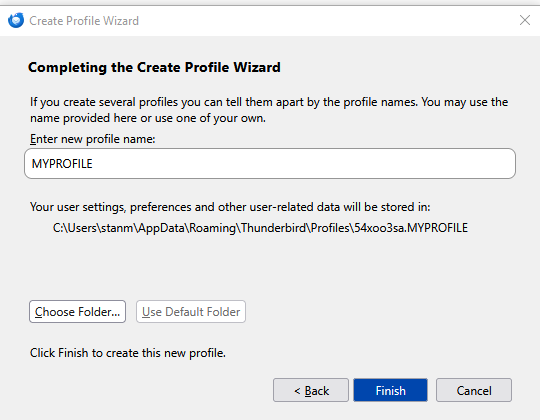
- enter a shortcut name, such as MYPROFILE
- notice profile name slightly below that line - click 'choose folder' and then 'finish'
- the folder now appears in the list. click 'Open Folder'
- paste 100% of the contents of your old profile here, replacing all content.
- now click the 'launch' button
- if all goes well, your profile is now active.
In the about profiles window unable to locate create profile button in the upper left. Alt procedure: windows + r thunderbird -p create profile Next profile name MYPROFILE Finish Copy / Paste contents from old folder into MYPROFILE folder Profile not active in work online mode