


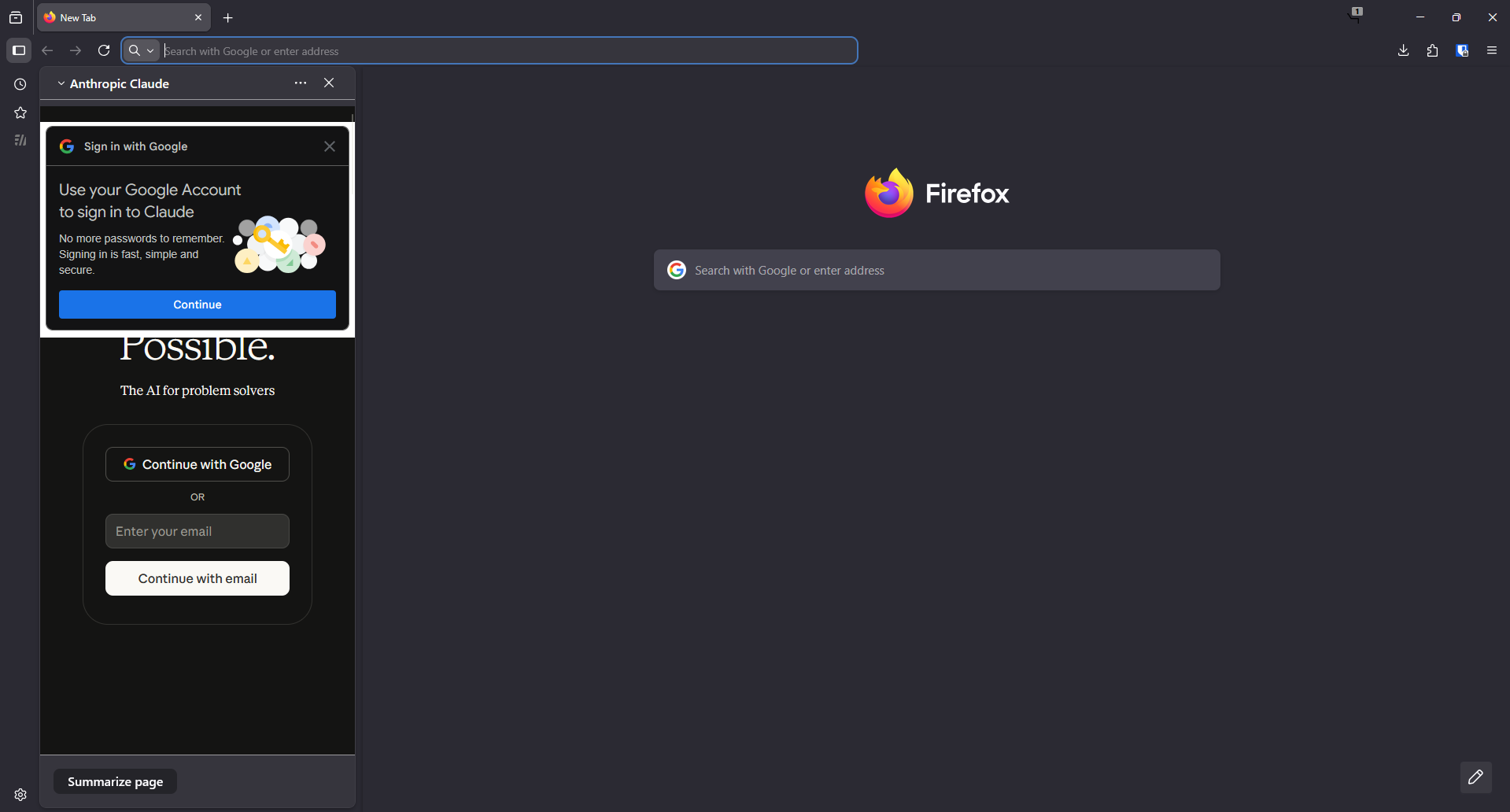
AI chatbot opening automatically on startup

I have tried everything in the other support articles related to this issue. It pops ups even after disabling every option. I think its a bug.
I have tried everything in the other support articles related to this issue. It pops ups even after disabling every option. I think its a bug.
Όλες οι απαντήσεις (3)
Hi, it can be a bug. Have you tried to click that sidebar button (2nd from the top) and close Firefox?
TyDraniu said
Hi, it can be a bug. Have you tried to click that sidebar button (2nd from the top) and close Firefox?
Yes but it doesn't work. The AI chatbot panel opens whenever i open a new window.
Looks like an isolated case. Nevertheless, it would be good to report it on https://bugzilla.mozilla.org/ . Let's see what devs say.